
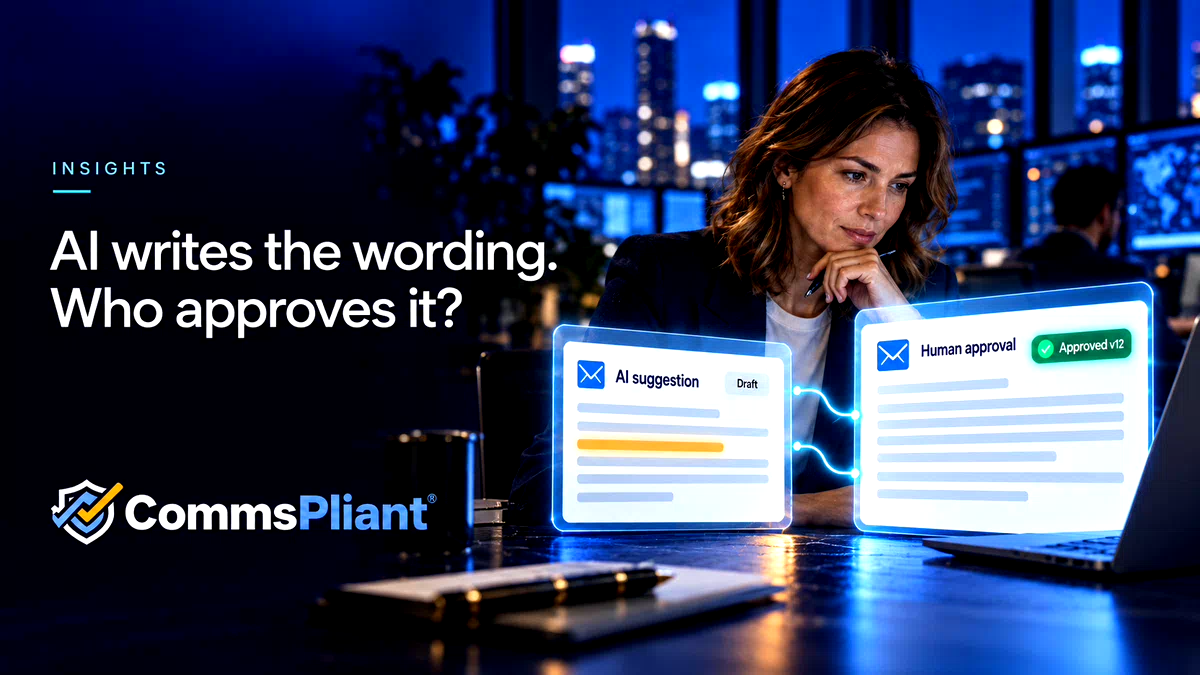
AI can help teams improve customer communication templates. A controlled workflow makes clear who reviews the proposed wording, which version they approve and what happens next.
A customer letter needs updating. An operations colleague asks AI to make the wording clearer. The result reads well, so someone copies it into the template. Another colleague checks the layout. The letter is ready to generate.
Where, in that sequence, did someone with the right authority approve the final wording?
“Someone looked at it” leaves several questions unanswered. What did they check? Which version did they see? Was the text changed afterwards? Did the system use that approved version when generating the customer’s letter?
For teams using AI to assist with customer communications, those are practical workflow questions.
A polished draft is still a draft
AI can help make a template shorter, clearer or easier to read. That assistance does not establish whether the message accurately reflects the organisation’s policy, the customer’s circumstances or the action the team can take.
Consider an illustrative payment-support template. The original wording says:
“Contact us to discuss the support options that may be available to you.”
An AI suggestion changes it to:
“Contact us and we will arrange a payment plan that suits you.”
The second sentence sounds warmer. It also introduces a promise. Before accepting it, a reviewer needs to establish whether the organisation can make that promise in the circumstances covered by the template.
Checking the meaning is one part of the job. The team also needs a defined point at which the wording becomes approved for use.
Name the decision and the person responsible
The person requesting a rewrite may understand the operational problem. A legal or compliance colleague may need to assess the wording. Someone else may check that the template works with the intended data and output format.
The appropriate reviewers depend on the organisation and the communication. A routine service update and a letter explaining a payment decision may need different review routes. The useful question is: who has the authority to approve this change, and what are they approving?
A preview check, an editorial comment and an approval decision serve different purposes. A controlled workflow should make those purposes visible.
Approve a specific version
Imagine that a reviewer approves version 12 of a template. A colleague then accepts another AI suggestion and changes a sentence. If version 13 is generated using the earlier approval, the record no longer answers the question the team actually needs to ask.
Did the reviewer approve this wording?
Approval should relate to a defined template version. If the wording changes after approval, the changed version should follow the applicable review process before it is used.
That keeps an approval from becoming a general permission to keep editing. It also gives teams a clearer basis for answering later questions about a communication.
Make the route from draft to generation explicit
A useful workflow has five steps:
1. Propose the change. An authorised user edits the template or uses AI assistance to suggest improvements. The proposed wording remains subject to review.
2. Review the wording and preview. The relevant people check the facts, promises, conditions and tone, alongside a preview using appropriate sample data.
3. Record the approval decision. The authorised approver makes a decision on the specific version. Comments and requests for changes remain distinct from approval.
4. Generate from the approved version. The connected system uses the approved template with the relevant data to produce the customer communication.
5. Keep the evidence connected. The organisation can trace the generation record back to the template version and its approval history.
This sequence also gives AI a clear place in the process. It can assist with the proposed wording while people retain the review and approval decisions.
What CommsPliant contributes
CommsPliant brings versioned templates, human review and approval, document generation and audit evidence into one working platform for customer emails, PDFs and letters.
Authorised users can use AI assistance on template wording containing placeholders. They can accept, edit or reject suggestions. AI activity is logged, and the review workflow still applies. AI cannot approve, publish or send a communication.
The Evidence Vault connects approved template versions, approval history and generation records. Document integrity evidence supports checking a rendered output against its recorded hash; a hash alone does not retain the document’s contents. Retention of complete personalised documents is agreed for each implementation.
The organisation remains responsible for deciding which wording is appropriate and who should approve it. CommsPliant provides the workflow and evidence that support those decisions.
A question to ask your team
Take one customer template that has recently been improved using AI. Can your team identify the person who approved the final wording, the exact version they approved and the version used to generate the communication?
If those answers require searching through messages and comparing files, that is a useful place to start improving the workflow.